OK, I have another question for you Macheads out there. I have a Mac and I want to output in tone-accented pinyin. So if I type hao2 I want to see háo as the end result. Any ideas?
Tie the powercord from your Mac to the back of your scooter and then ride away quickly. The rest should sort itself out.
Ah, I see you studied at the same school as my mother. Major in Percussive Maintenance? “If it doesn’t work, hit it. If that doesn’t work, hit it and curse it at the same time.”
You mean you had tried it with the keypad and that didn’t work? Sounds like you need to hit the numlock key first. Or am I offbase?
Ok, I’ve searched the forum but I can’t find it. I remember a while back we had a discussion on the various methods of inputting Chinese on your PC. Usually the language pack comes with Zhuyin, but I know there is a pinyin method. I just can’t find it anywhere.
To be clear, I want to write Chinese characters using pinyin, not zhuyin (because I’m obviously more familiar with alphabetic characters on my keyboard than zhuyin symbols). I had it on before, but recently had my PC formatted and now it’s gone. I know it’s a setting somewhere, but I’ve looked and no luck so far.
Help please!! Looking for the zhuyin characters is too time consuming!
I’ve searched for the relevant threads, merged them, and added this to the list of frequent topics (see stickies at the top of the LC forum).
Windows 7 beta (so this might change)
Start->Regional and Language Options->Keyboards and languages->Change Keyboards->Add
The Scroll down to “Chinese (Traditional, Taiwan)”, and select “New Phonetic” (this took a little trial and error to find the right one) and press “OK”
Click on your new Keyboard and press “properties”, go to the “Keyboard” tab, and select “Hanyu Pinyin”.
Edit: Sorry, put this in the wrong thread, I should have posted in the tech forum. I’ll move it later.
Thank you… 
Edit: All working now.謝謝!
Last week in China I noticed that everybody I met was using the pinyin input from Sogou pinyin.sogou.com/
I have installed it and it works well for me, in fact, I think it the best input method I have so far tried out.
I would like to know if there is a way to use Windows Input Method Editor (IME) to find out the Hanyu Pinyin pronunciation of a certain character which I enter using the IME handwriting recognition system. For example, yesterday I was at a hot spring in the mountains which was at a hotel, and the hotel had this character as part of their name:
騰
I entered that character using the IME handwriting recognition system, but I still don’t know how to pronounce it, and I can’t find the character in my dictionary (looking it up according to the “meat” radical on the left side plus 17 additional strokes).
Is there a way to use Windows IME to find out how to pronounce this character?
Mark
I don’t use Microsoft, but you can just stick the character in adsotrans:
That character, by the way, is pronounced téng.
Taffy,
Thanks a lot! It’s really frustrating when I can’t find a character in my dictionary, so I’m really glad to know about that website.
By the way, since now I know the pinyin of that character, I found out that actually, it is listed in my dictionary. But I couldn’t find it when I looked in the index of my dictionary according to “meat” radical + 17 additional strokes. Which radical is it listed under? (Only the index of my dictionary lists characters according to the radicals. The main part of my dictionary lists characters according to 注音 )
馬 - the horse bushou. Don’t ask me why, though…
Thanks, Taffy!
By the way, I’m still curious to know if Windows IME could also tell me the pronunciation of a character. If anyone knows the answer, please let me know.
騰 is listed under 馬 because it describes motions related to the horse. I’m not saying that it is consistent with other character classifications, just that it is probably the reason why.
FYI, if the character were classified under 肉, it would be that radical plus 16 strokes. 月 is four strokes, 馬 is 10 strokes, and the stuff above the horse is six strokes.
Radical is
馬
(because the motion) and the phonetic is
朕
(ㄓㄣˋ/zhèn, nowadays already somehow obsoleted pronunciation), shared in other characters like
謄
,
滕
(téng),
勝
(shèng) etc.
Yeah, the reason why is what sjcma said. The bushou is not always the leftmost component, nor the most visibly separable component. The bushou is often whatever component was last added to the character to distinguish it, often (but DEFINITELY not always) on a semantic basis.

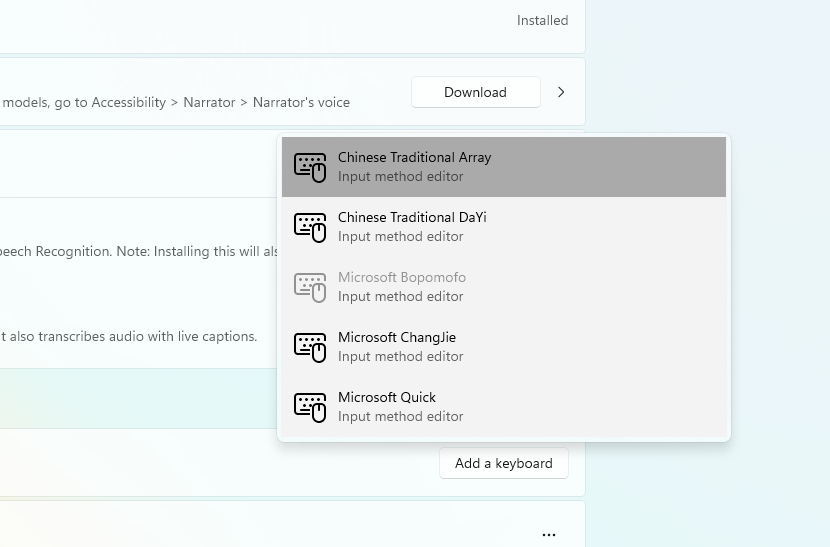
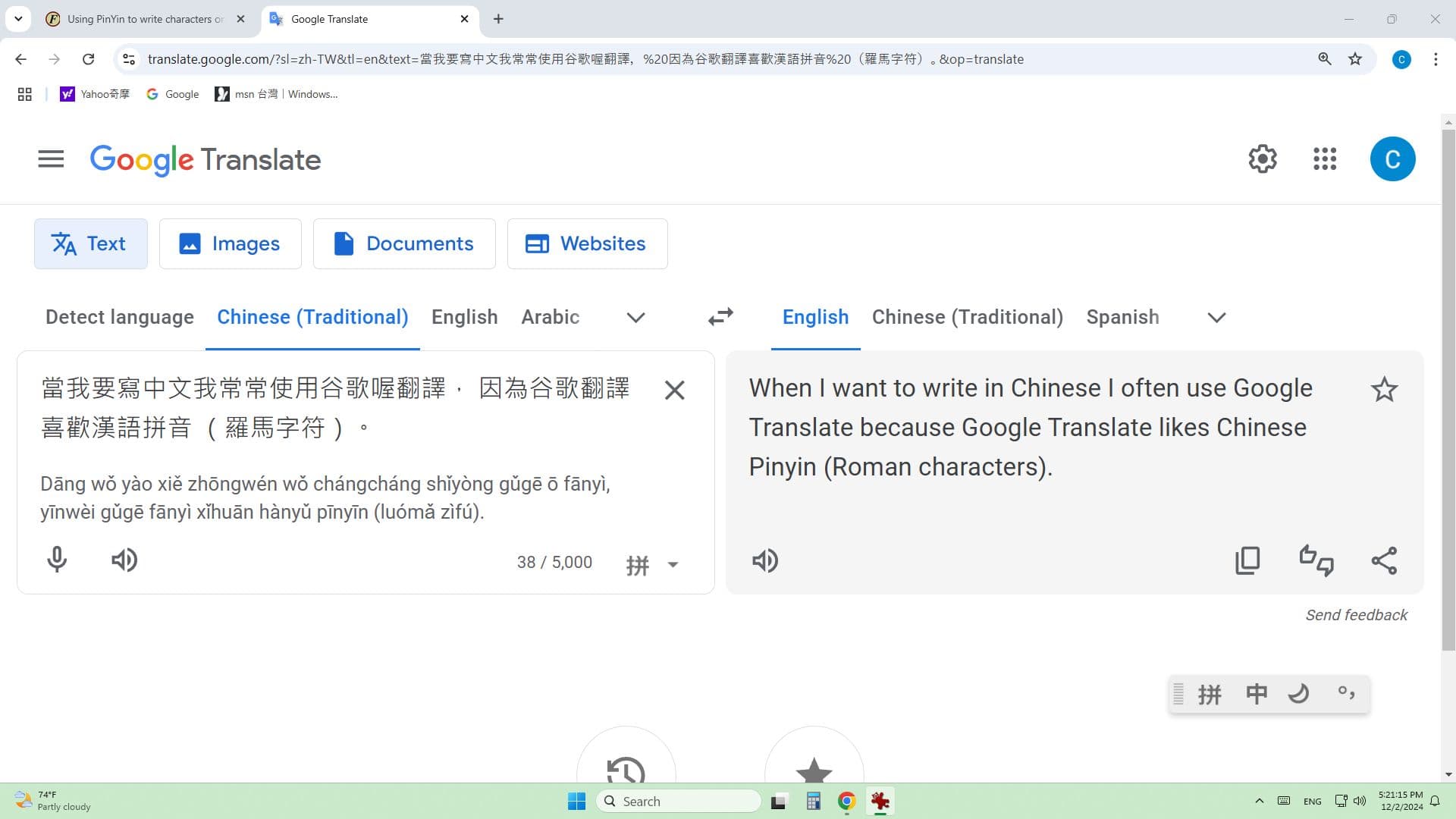
Go to the Microsoft Bopomofo options and change the keyboard layout to pinyin