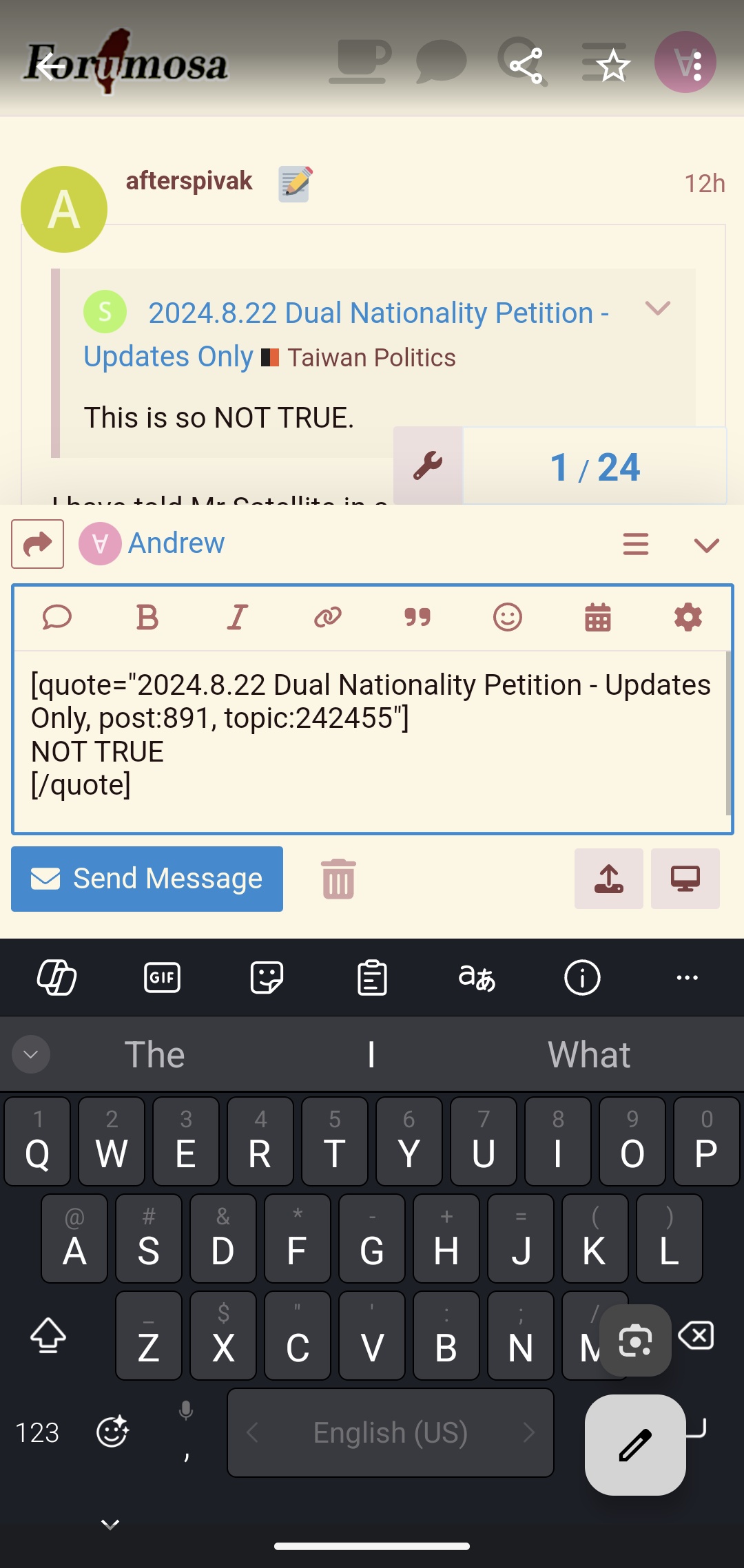
Well, it’s not the default setting that my phone, which is the same as yours, has. 
Mine does.
Well, it’s not the default setting that my phone, which is the same as yours, has.
Mine does.
Did you do something to fix it? It’s just the same for me, albeit with an apparent half a second delay between the old view and expanding to the full screen view (if it was doing that before, I didn’t notice it).
On mobile?
Before, the keyboard was covering the post window for me. Now they’re separated.
That’s the issue I am having. The keyboard overlaid the post window so I can’t see what I type beyond the top line. It’s better when it takes up the whole screen because I can see more before it hides. I am unsure what setting I need to change.
This is why touchscreen should not substitute physical buttons in critical applications (like aircraft or space ships).
That is weird! I think I find it preferable to what I’m seeing, but can imagine it taking a while to get used to!
Better than your typing getting blocked though.
I had to look through my phone for a random accidental screenshot, but for me it was something like this:
So something like the keyboard taking up the bottom 40%, the input box the middle 30%, the open thread the top 30%, and then the header bar taking up the last 8% of the 108% total because I rounded up the math too much earlier in the sentence and I can’t be bothered going back to redo it now.
Now? I went back to square one (all themes) by removing the code we had been using, so it’s stock Discourse.
It’s still full screen for me, like I posted about above (second image):
Should that change be immediate, or does it maybe take a while to update? (I did restart my phone in between.)
Immediate.
Full screen now.
Before recent changes, it looked like @Andrew’s screenshot, which is way better.
Yeah I kind of remember that’s what you wanted. I’ll look and see