OP mentioned safe mode didn’t work, but did he try just the DOS prompt only? In the BIOS menu something like “safe mode dos prompt”. If that doesn’t work then no way to run chkdsk as you say.
yup, there is an option to run the computer in bare bones diagnostic mode, which is a good idea, if he/she is able to even read the start up menu. If they can’t even get there, it’s possible to create an eternal boot drive and change the bios to boot from eternal drive first.
This is pretty simple stuff, the OP could look up anyone nearby who does computer repairs and they would all know how to do this and more importantly have tools like cables to hook up an internal hard drive to a USB port. Or a boot drive ready to go. Local repair shops don’t even charge much for their services.
type 電腦維修服務 in google maps ,
you can see some computer repair shops in the area
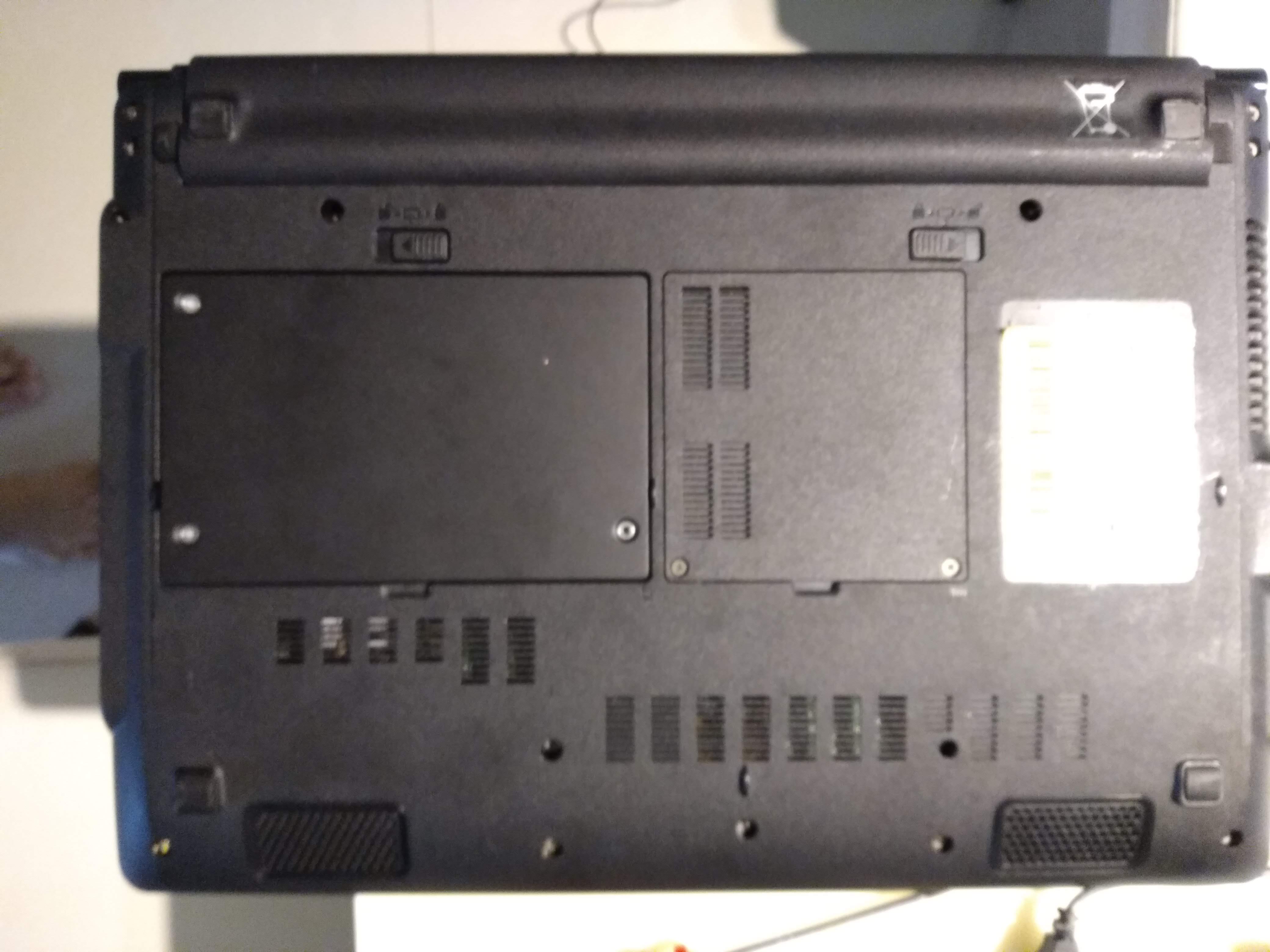
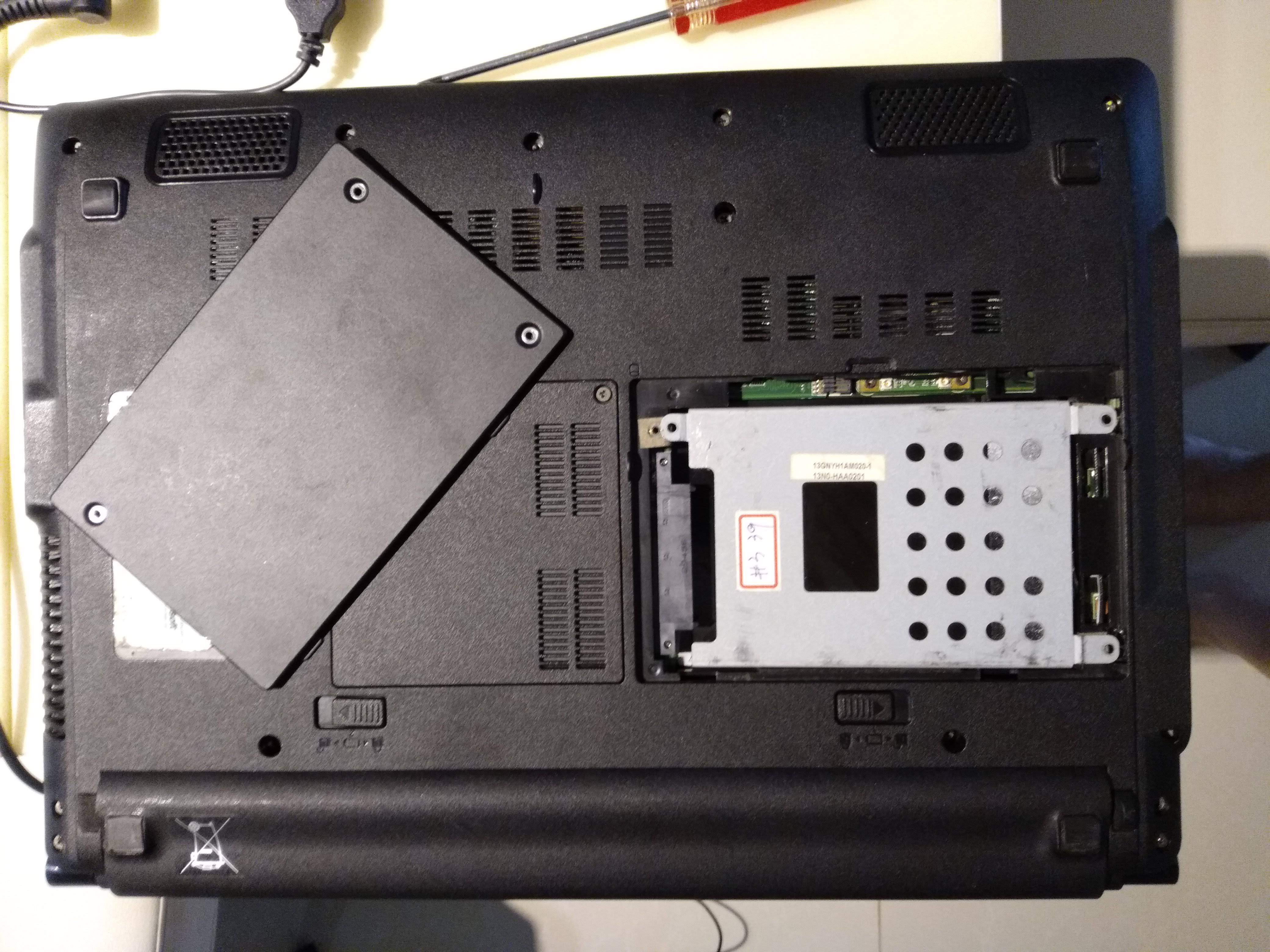
Step 1: STOP FUCKING WITH IT.
Is the data on an onboard SSD or on a removable hard drive or removable SSD?
If it is NOT an onboard (soldered straight onto the motherboard) SSD, then the only way you are going to lose data is if you keep fucking around with it and end up trashing all of your data due to a virus or corruption problems. It may already be too late (say if it’s ransomware), but it could just be a worn-out laptop that is dying.
So, if it is a separate SSD or hard drive, you can remove it, attach one of the many USB drive adapters on the market to it, and read all the data off it onto any other machine you have. Of course, if it is infected with a virus, you may just end up installing the virus on your other machine, unless you know what you’re doing. Thanks, Microsoft, for that wonderful “autorun” feature.
If it is a soldered-on SSD then you are going to have to find someone competent to diagnose and fix it. ASUS has “ASUS Royal Club” repair centers all around the island. Go to one of those and ask them to help you.
If you were to know what you were doing, I would suggest using a bootable Linux flash drive to start it up and image the drive, but if you don’t know how to use one, it is easy get things backwards and overwrite everything instead.
Also if you have something that is important but not absolutely top secret, put it on cloud backup. You know ones that syncs every few minutes.
So if your computer dies for no reason you still have your files.