I need HELP…
My computers have been hijacked by students… my kids.
All that is available to me are cheap out of date devices, an iPad and Android phones.
I want access to my media files without having to copy them. I previously used ES file manager which worked great but then they started demanding payment for the service and now they’re gone.
The files will be on the desktop computer…
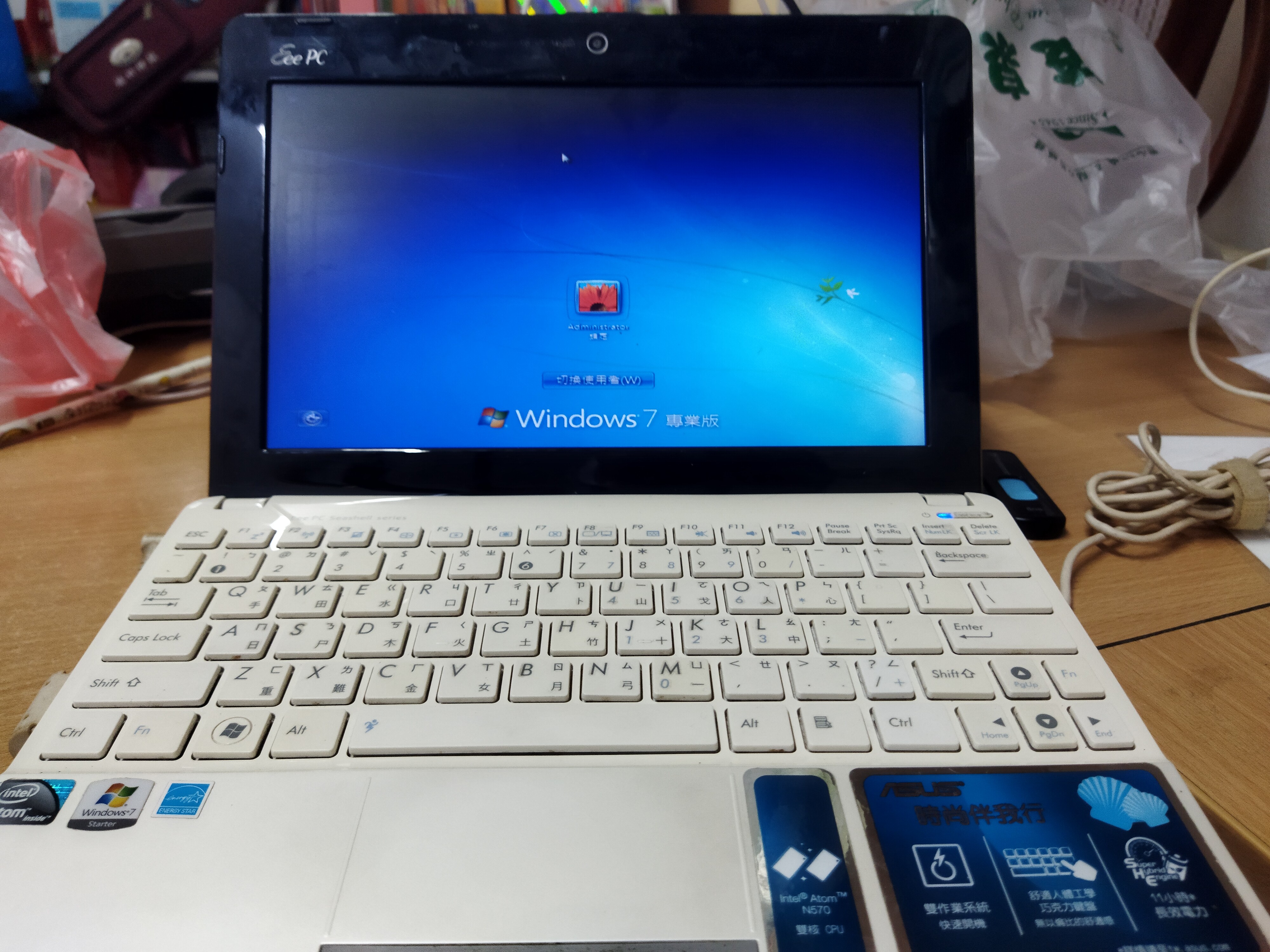
The devices I will use will be an ipad, and Android phone and a very old eeePC that now runs windows 7 (hopefully I will be able to get a decent version working on a USB stick)
So…
I need your best free solutions so I can play my shared media in
Android
IOS
Windows 7
Or Linnux
Or whatever else you suggest.
That looks good. Whatever the solution, I don’t want it to connect out side my network like oooh, I forgot the name of that remote pc program I used to use.
I would love my shared drive to just appear as a normal drive in my file manager…
Thanks.
Yes, it was team viewer…
The windows machines just need SMB/UPnP shares set up. For Android, Solid Explorer is the best way to access those shares IMO. Not sure about the iPad; someone else can recommend one for iOS. I gave up on iOS for file management. They need to make everything a pain in the ass.
Unless things have changed TeamViewer is just a remote control application. It will take over the entire computer.
Like I said my computer’s are all going to be used for my children’s classes and my wife’s teaching.
I can only use my devices to access and play files.
The host computer must not be impacted at all.
Interesting…
That looks like something for my wish list.
Please link your favorite products and cost.
PM me if you share discounts… (if they are signifcant enough to offset shipping.)
Money is an issue now. If it weren’t, I’d be working, my kids would be at school and I’d have no time to watch old movies.
I’m sure this problem is long solved, but all of the options presented seemed like overkill, leaving this for the future…
If it’s all/mostly read-only access to media then just put all the media in one area, add a web server (either the native IIS add-on in Windows or the Apache portion of the LAMP package are probably easiest) and make the top level media folder the “home” folder for the default website. Then just browse it directly on the local subnet with whatever device you want…