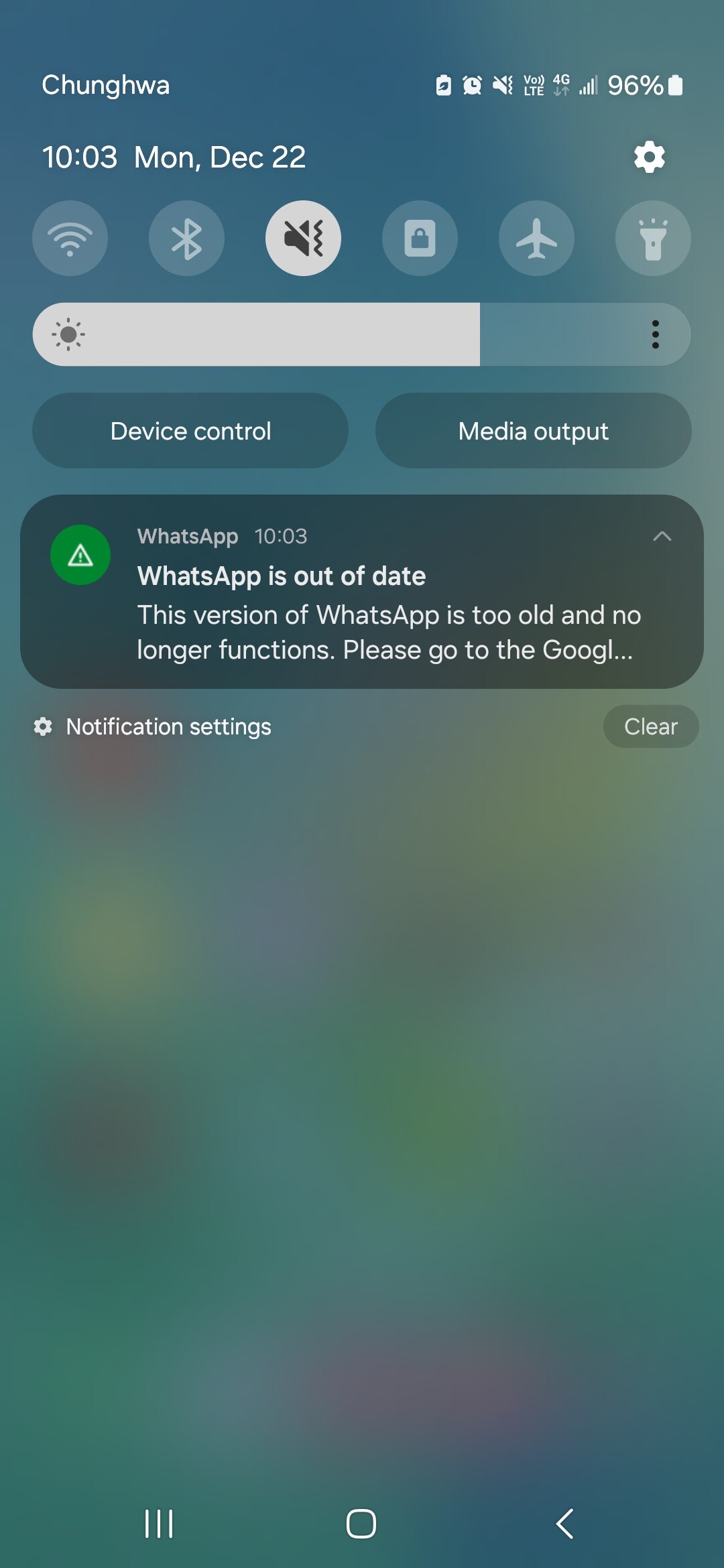
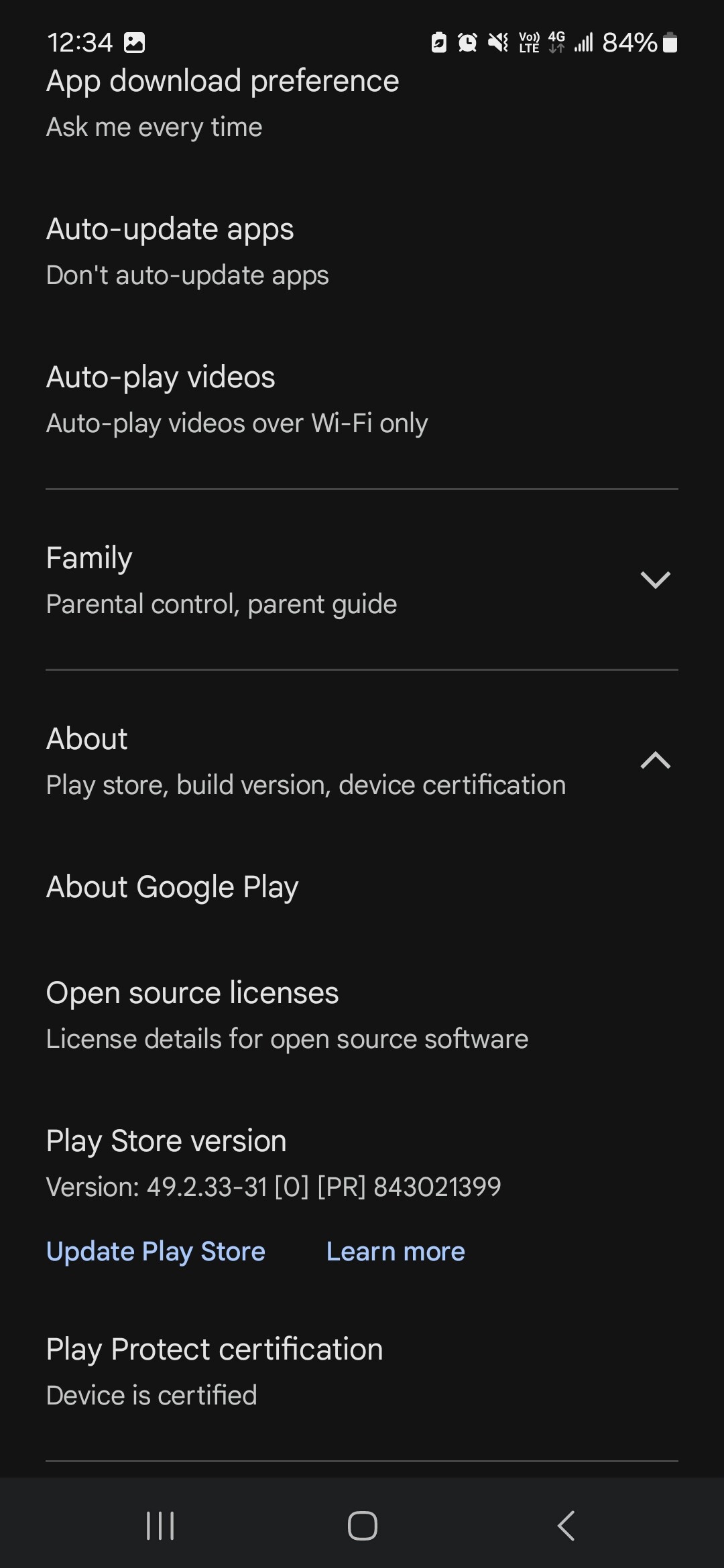
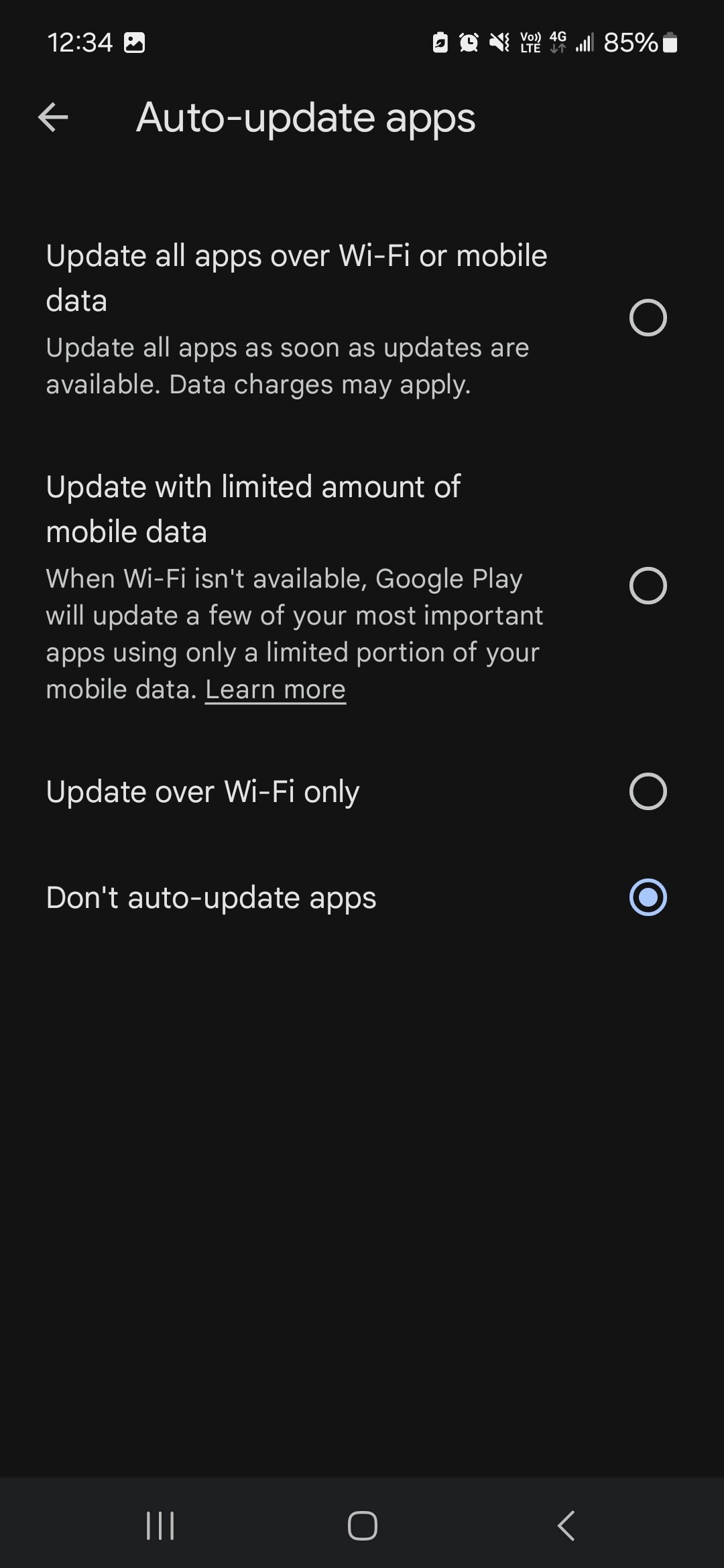
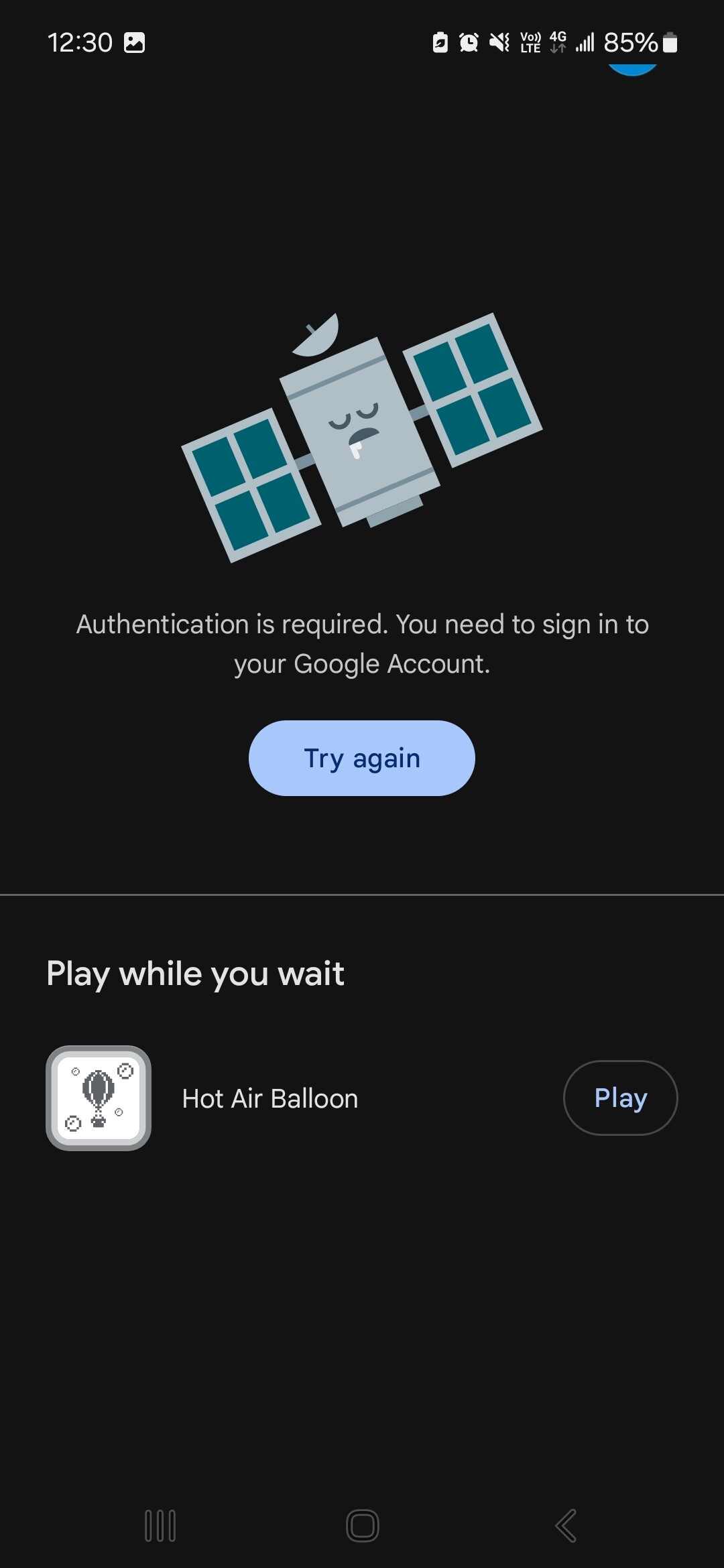
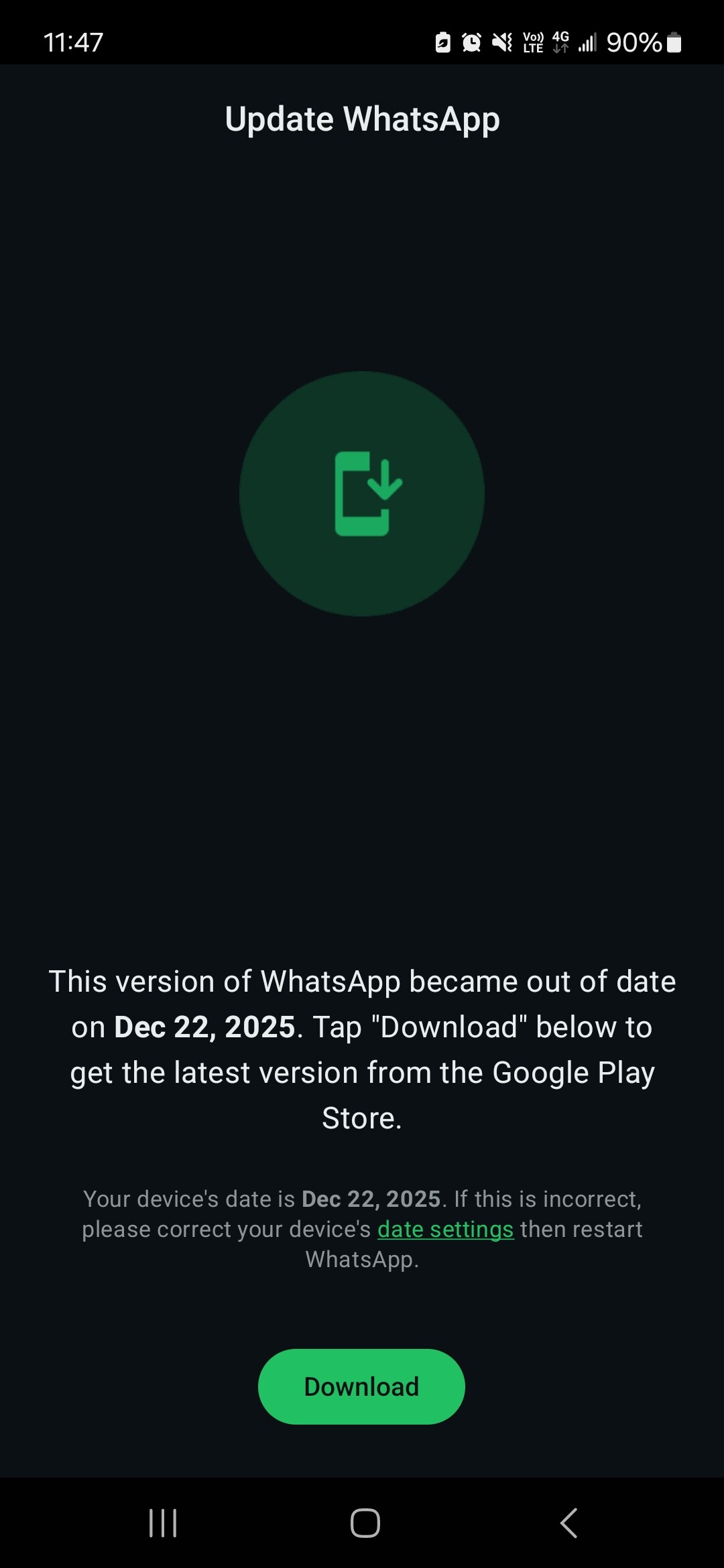
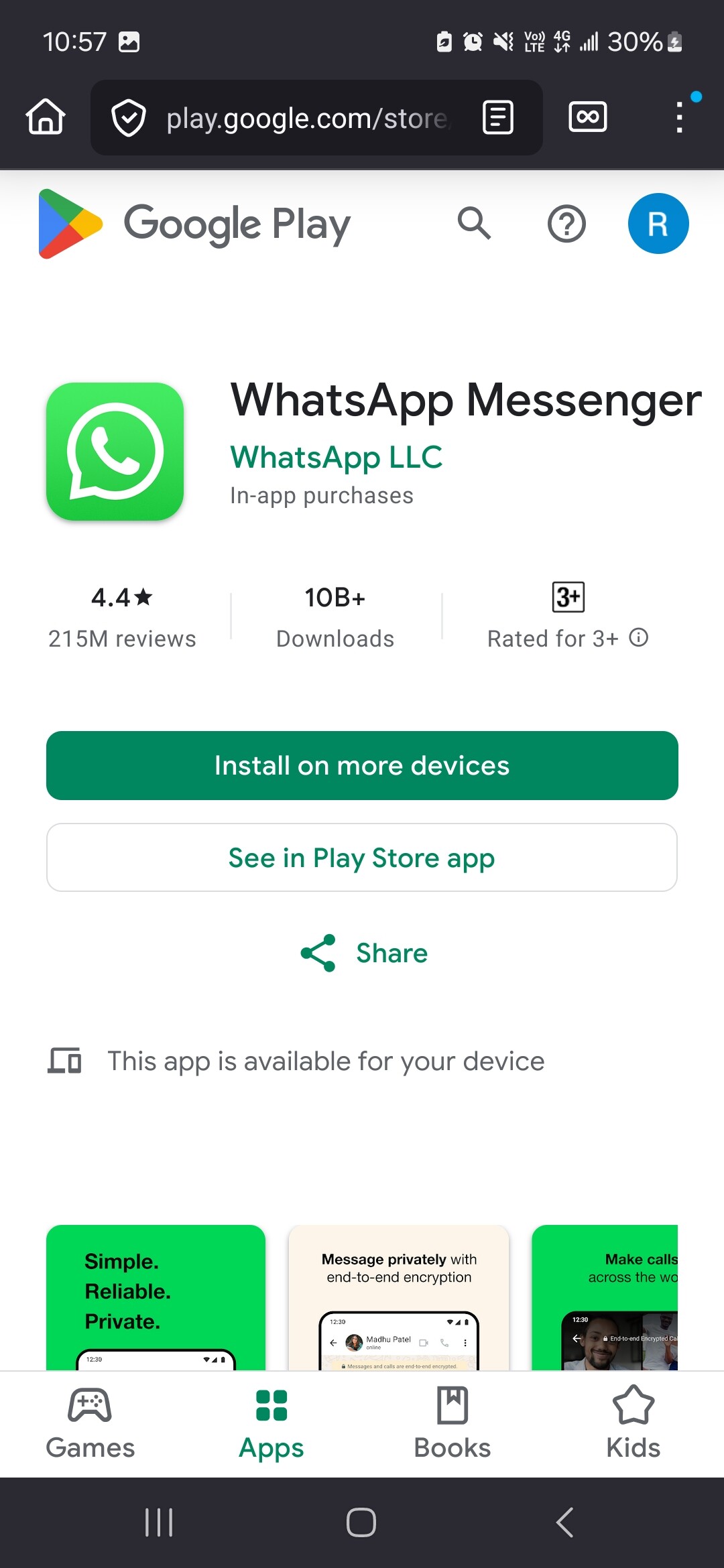
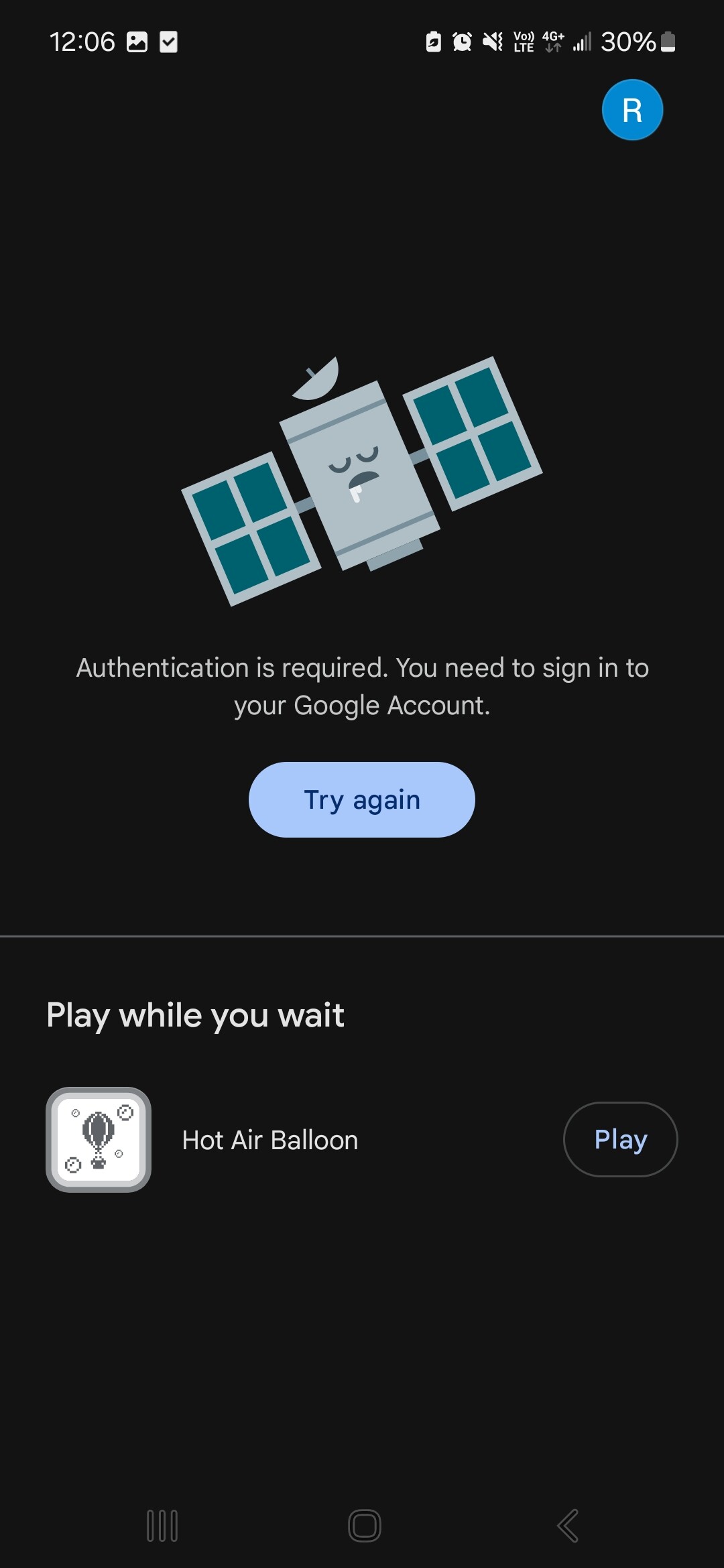
I have had this Gmail account since I got my first smart phone. Always logged in to it. They asked me to verify when hitting the button, but no buttons to choose to try and verify. Just continuous “try again”. I am already signed in, obviously. It’s how the phone operates now. New phone these few months, just downloaded WhatsApp I think in October, so pretty recent. No options or links to to try and do anything other than play some kind of game. . . ?
Samsung phone, android.
I tried changing the date on my phone, and whatsapp said the date is wrong, change it back. So that won’t work.
Nope, just this phone. I downloaded it onto this phone for family. Today, I just got the above messages. I can’t download their link, play store etc. Seems quit weird, even if I did accept their link/terms etc.
I had a similar issue with another app. I couldn’t get past the install phase. I had my Google account and Play Store regions set to Canada. Once I set them to the region i was trying to download from it was resolved.
Open your play store app directly and search for whatsapp and install or update it. It looks like you’re going through the Google play website to access the Play store, which is not working for you for some reason.
Cheers. Still won’t work though. I open the playstore app and get the same message, despite being logged in. I went to settings and have all the permissions allowed.
As tango says, it was pre installed on the phone (samsung galaxy, also a pretty new phone early this year). I didn’t need to download it. But trying both ways, app won’t work, website still “loading” a couple hours later haha.